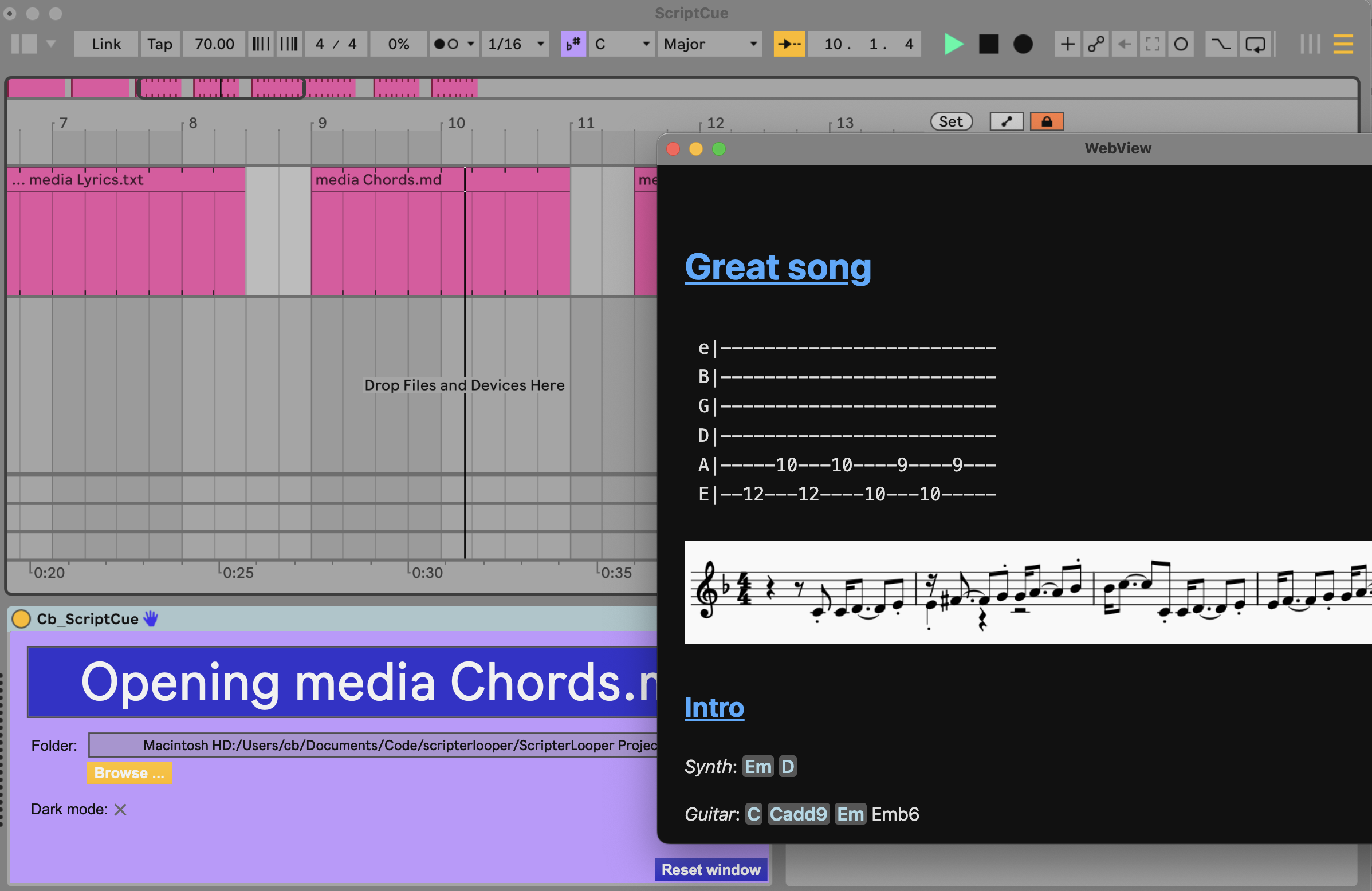
ScriptCue allows you to display cues when you need them: lyrics, chords, hints.
Those can be a single line of text, a full text file, images, images inside text files, markdown files, HTML files or online webpages.
The instructions to display cues are given by midi clips.
XXX copy amxd ?
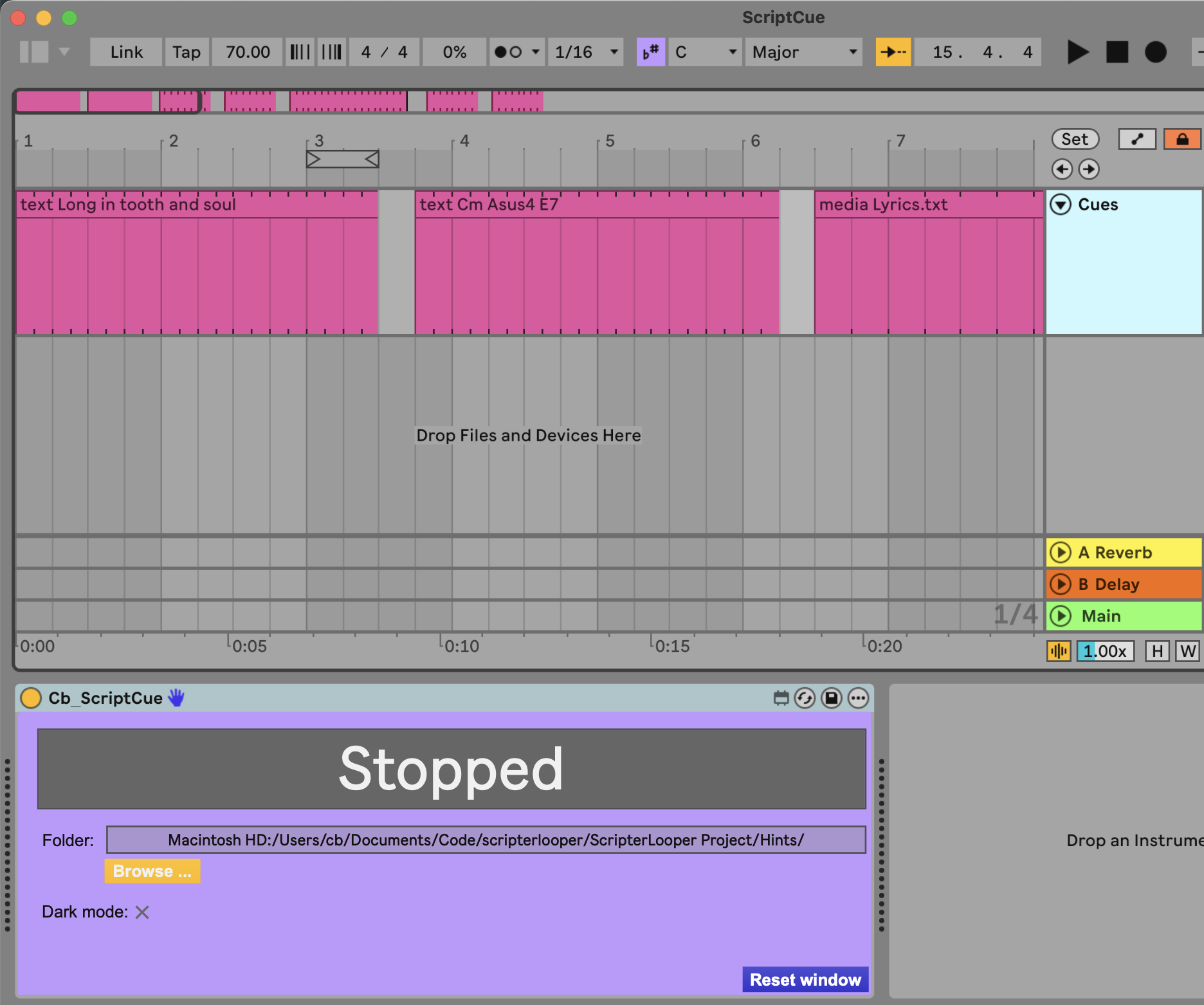
Add Cb_ScriptCue device to a Midi track
If applicable: choose folder containing your images, html, text or markdown files.
Create clips for each actions. A window will open at the beginning of the clip and close at the end of the clip. The content of the window depends on the commands, see below.
Sample clips are automatically created when the device is added to the track.
When the window is visible, you can move it and resize it. Its position/size will be saved when the window is closed. You can reset the position/size by clicking on "Reset window".
[text Hello!]
[text Cm Asus4 E7]
[text "markdown text"] : You can also include a markdown formated text: [text # Warning !]
Pass the filename of the media you want to display.
By default the path is relative to the folder:
[media image.jpg]
[media Vent.md]
The path can also be absolute:
-- Windows: XXX

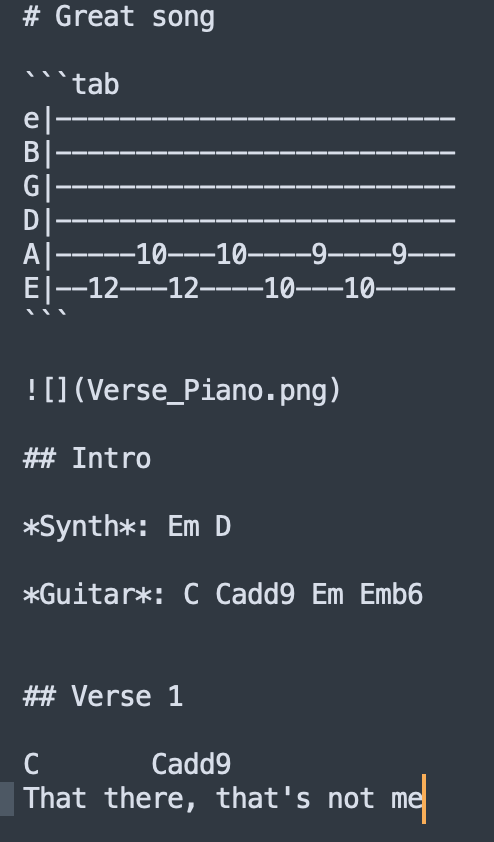
Titles: Titles, headings, subheadings are prefixed with #, ##, ### etc.
Tabs: You can write guitar tags by creating a ''' markdown block
Chords are automatically detected and highlighted
Anchors: You can specify which title to open by adding '#' and the title name as specified in the markdown file. If the title contains spaces, you need to replace them with '-'.
Example: # Chorus 1 -> [media Chords.md#chorus-1]
